Every tractor comes back counted to the engine hour
OneRental runs the whole farm machinery hire: the booking on your own site, the handover in the yard with the attachment list, then engine hours, fuel and the deposit at return. In peak season nobody hunts for the notebook.
- Bookings from your site land straight in the machine schedule
- Handover on a tablet, with the attachment list and the customer’s signature
- Engine hours and fuel added at return
30 days free, no card needed. We move your fleet and bookings in for you.
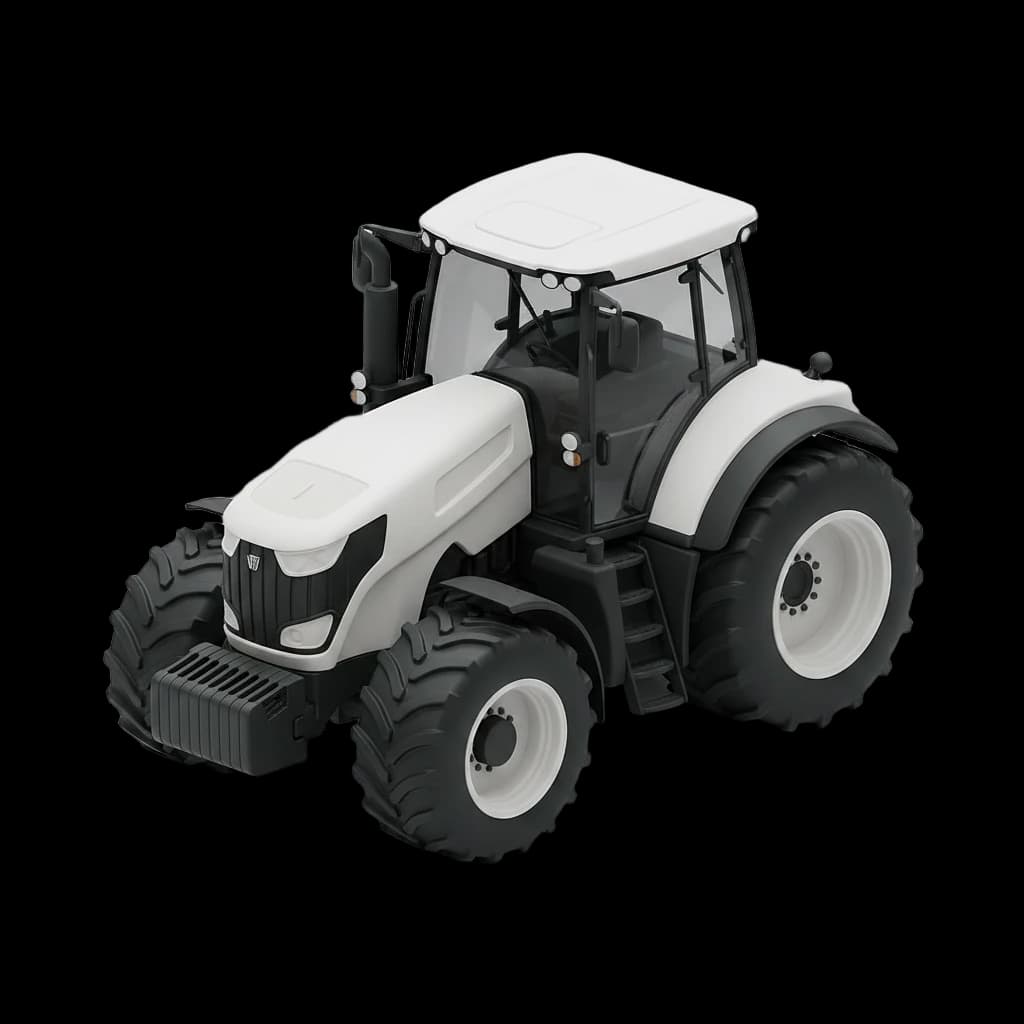
A harvest Saturday at a machinery hire yard, without OneRental and with it
Without OneRental: Machines in a notebook and on the office whiteboard
With OneRental: One machine schedule for the website, the phone and the yard
Without OneRental: Front weights and chocks counted by eye at the gate
With OneRental: The attachment list ticked on a tablet at handover and at return
Without OneRental: Engine hours on a scrap of paper, extras on a calculator
With OneRental: Hours over the allowance and refuelling charged at return
Without OneRental: Services when someone happens to check the meter
With OneRental: Services by engine hours in the morning e-mail
Farmers book a tractor themselves, even on a Sunday night.
On your site they pick the weekend, the tractor, a package and the front weight, and you get an e-mail with the booking ready.
- Booking widgets go on your own site on every plan
- Each machine’s power shows on its card
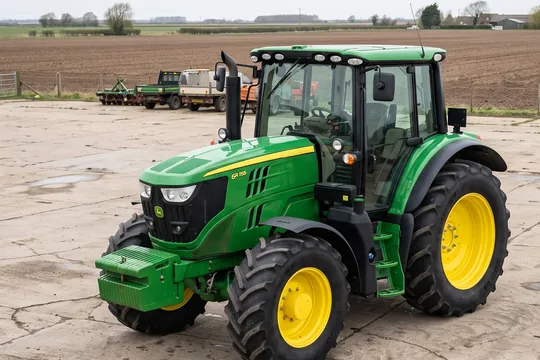
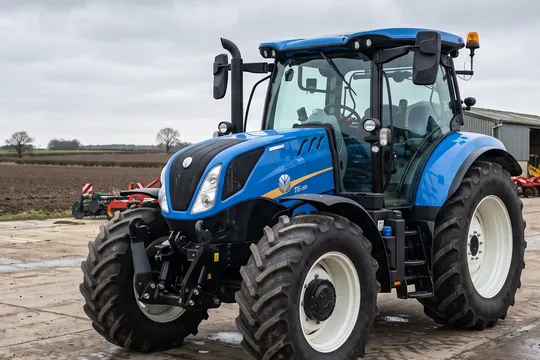
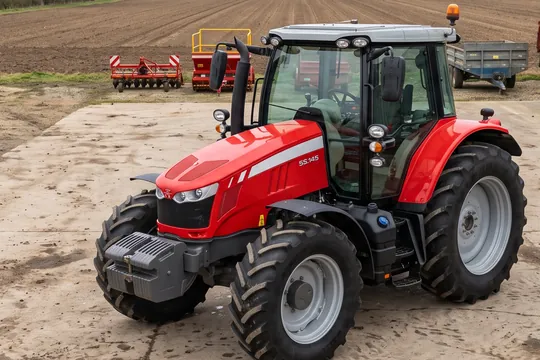
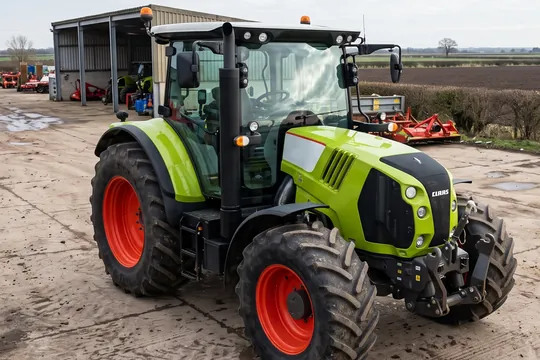
The same tractor never goes to two farms.
A booking from the site takes the weekend in the schedule at once. When someone phones for the same dates, staff cannot pick the machine that is taken.
- The website, the phone and the yard share one schedule
- Every return leaves time for washing and refuelling
Out of the yard in a few minutes.
Staff type the engine hours and fuel, tick the front weight, extinguisher and chocks, mark damage on the tractor drawing, and the customer signs on the tablet.
- The contract and handover PDF reach the customer by e-mail
- Damage photos stay with the booking
The return is settled before the engine cools.
Staff type the engine hours and fuel, and the app works out the hours over the allowance and the refuelling and suggests what to keep from the deposit.
- A missing item with a price on the list is charged automatically
- New damage shows next to what was there at handover
Each morning you know which machine is due a service.
The morning e-mail collects services by engine hours, inspections and insurance for the whole fleet. Before the season you see every date in one place.
- A service every so many engine hours, as you set it
- Inspection and insurance dates on every machine
Everything a farm machinery hire company needs
Engine hours included and beyond
In the rate you set how many engine hours a day are included and what each extra hour costs. The app adds the overage at return.
Fees and depositsMachines with a meter and without
A tractor and a telehandler carry an engine-hour meter and a fuel reading; a baler and a plough go out without them.
An attachment list per type
Front weight, extinguisher, chocks, manual. You set the list once per machine type, and staff tick it at handover and at return.
Pickup and returnInspections and insurance on time
You keep the inspection and insurance dates on every machine, and the morning e-mail reminds you ahead of each one.
Fleet and serviceA deposit on every booking
You record the deposit on the booking, and at return the app suggests how much to keep and how much to give back.
Fees and depositsAttachments as extras
A plough, a front weight or a second operator: customers add them on your site and see the price with them straight away.
Pricing and rates
Questions from farm machinery hire companies
Yes. In the rate you set how many engine hours a day are included and what each extra hour costs. The app adds the overage at return.
Yes. Machines without an engine go out without engine hours or fuel, with their own attachment list. You can turn a meter on for a single unit that needs one.
Yes, once you turn on several units on one contract in the booking settings. Staff then add them together on the booking.
Yes. You add attachments as paid extras, and customers see the price with them from the first click.
Add delivery as a paid extra, and customers choose it on your site with the booking.
Try OneRental with your own fleet
30 days free, no card needed. We move your fleet and upcoming bookings in for you, at no extra cost.
Tell us what you rent
We'll answer any question about OneRental. Tell us how much you rent out and how you take bookings today, and we'll answer about your business specifically.